Changelog
See what's new and improved in Rize.
Try the latest features — start your free trial today.
Start Free TrialRize for Agencies and Teams: Automate Profitability, Capacity Planning, Invoicing
Rize now runs the operating side of an agency, accounting firm, or consultancy: profitability, resourcing, invoicing, timesheets, and permissions, all from automatically tracked time and all available in the Agent, API, and MCP.
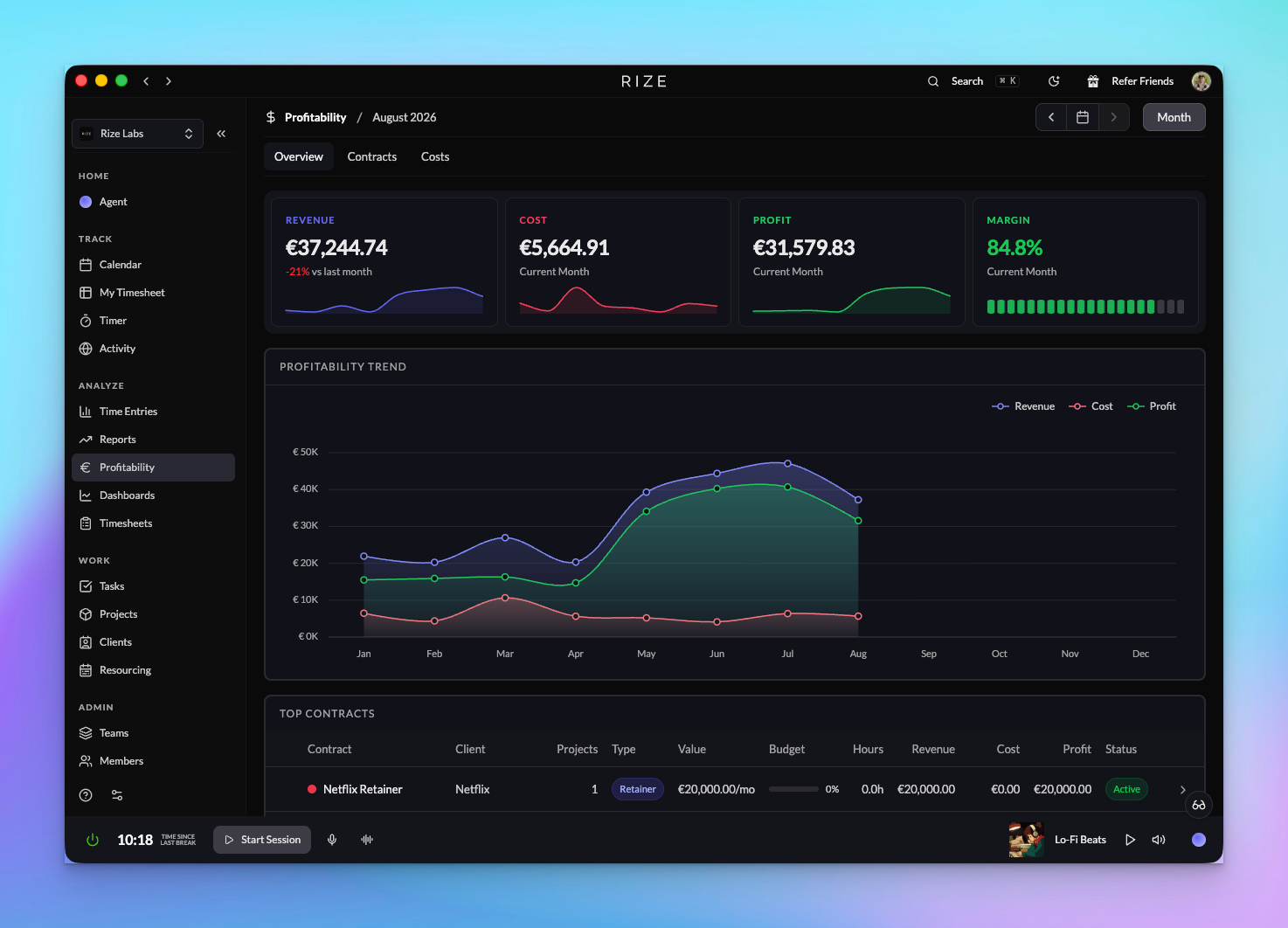
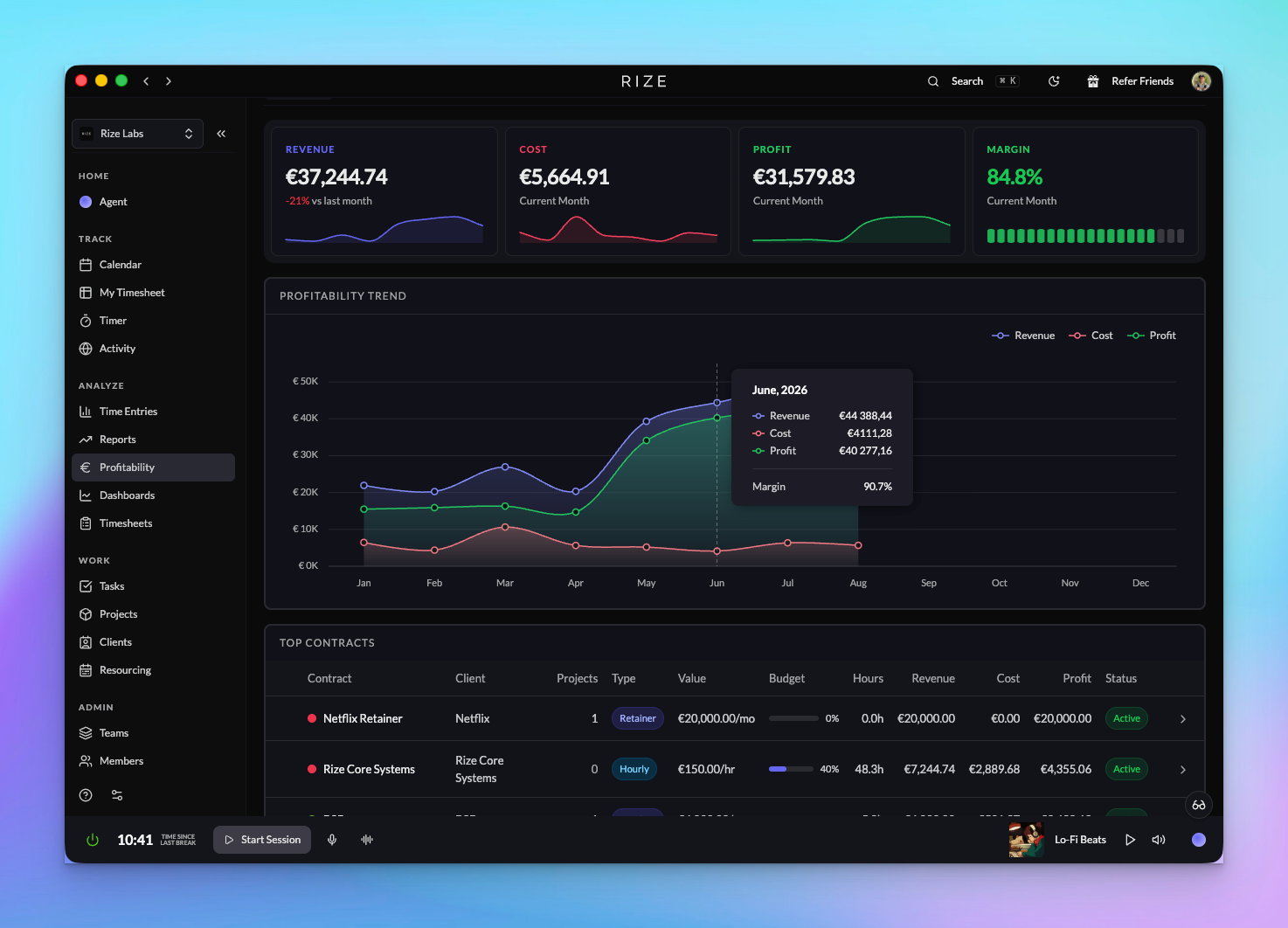
Profitability for Agencies and Firms
See revenue, cost, and margin by client, project, and member across your organization, built from hourly, retainer, and hybrid contracts, cost rates, budgets, and automatically tracked time.
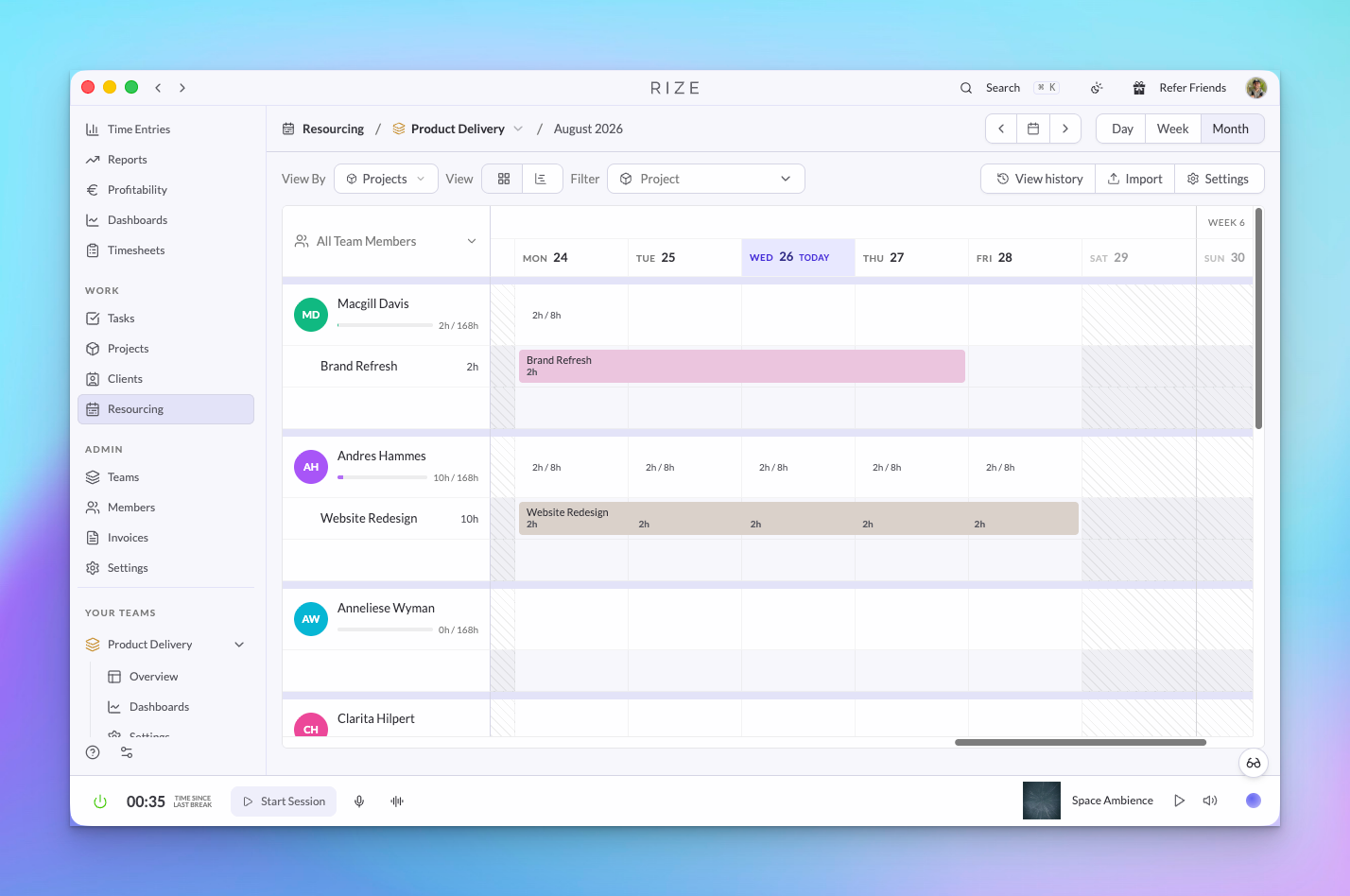
Resourcing: Utilization and Planning
Schedule assignments per member and week, import a plan from CSV, and compare scheduled hours to automatically tracked hours to see capacity and utilization across a team or organization.
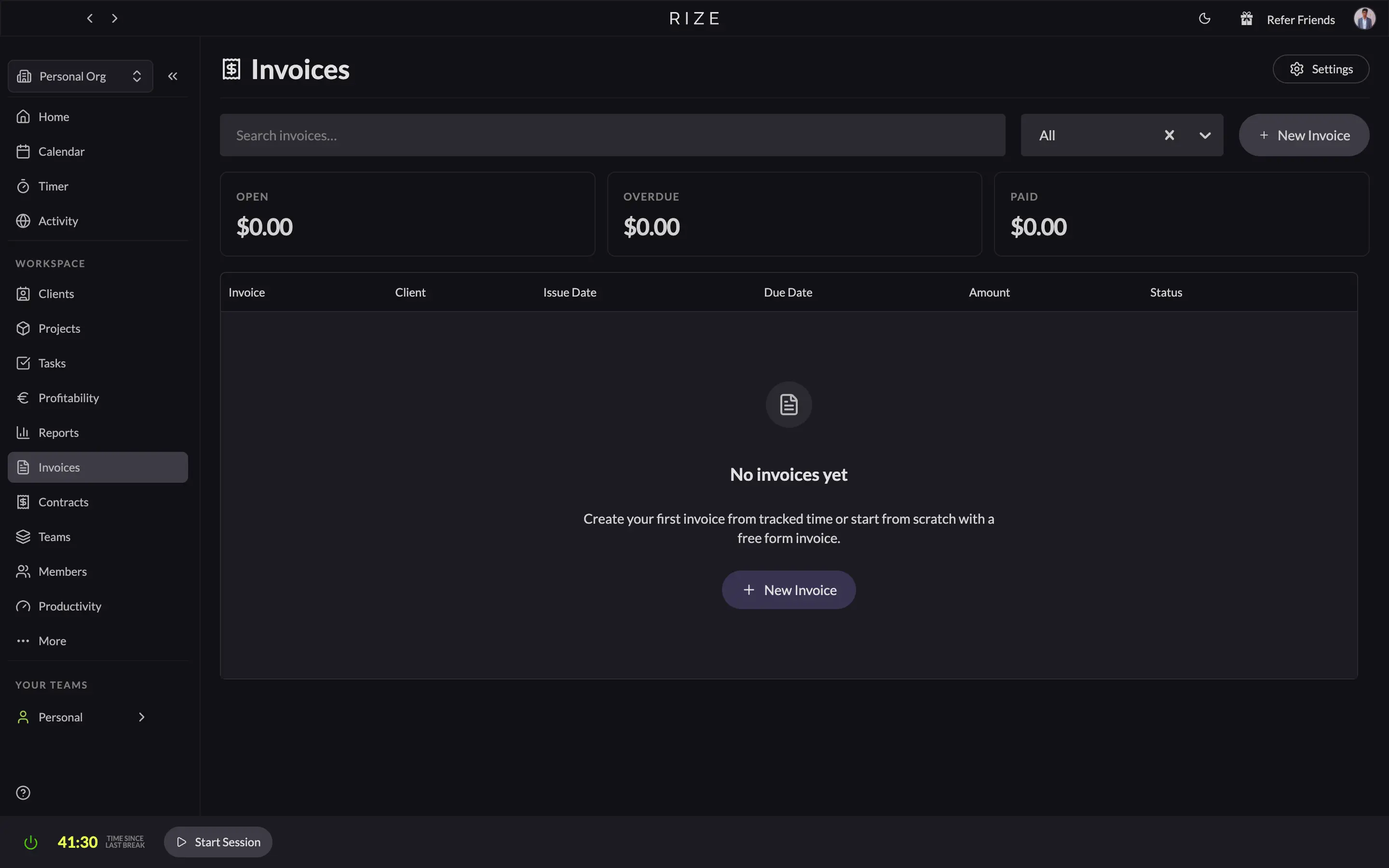
Invoicing: From Tracked Time to Paid
Rize generates invoices from automatically tracked time. Pick a client and a date range, choose how line items are described, review them, send the PDF, and record payments as they land.
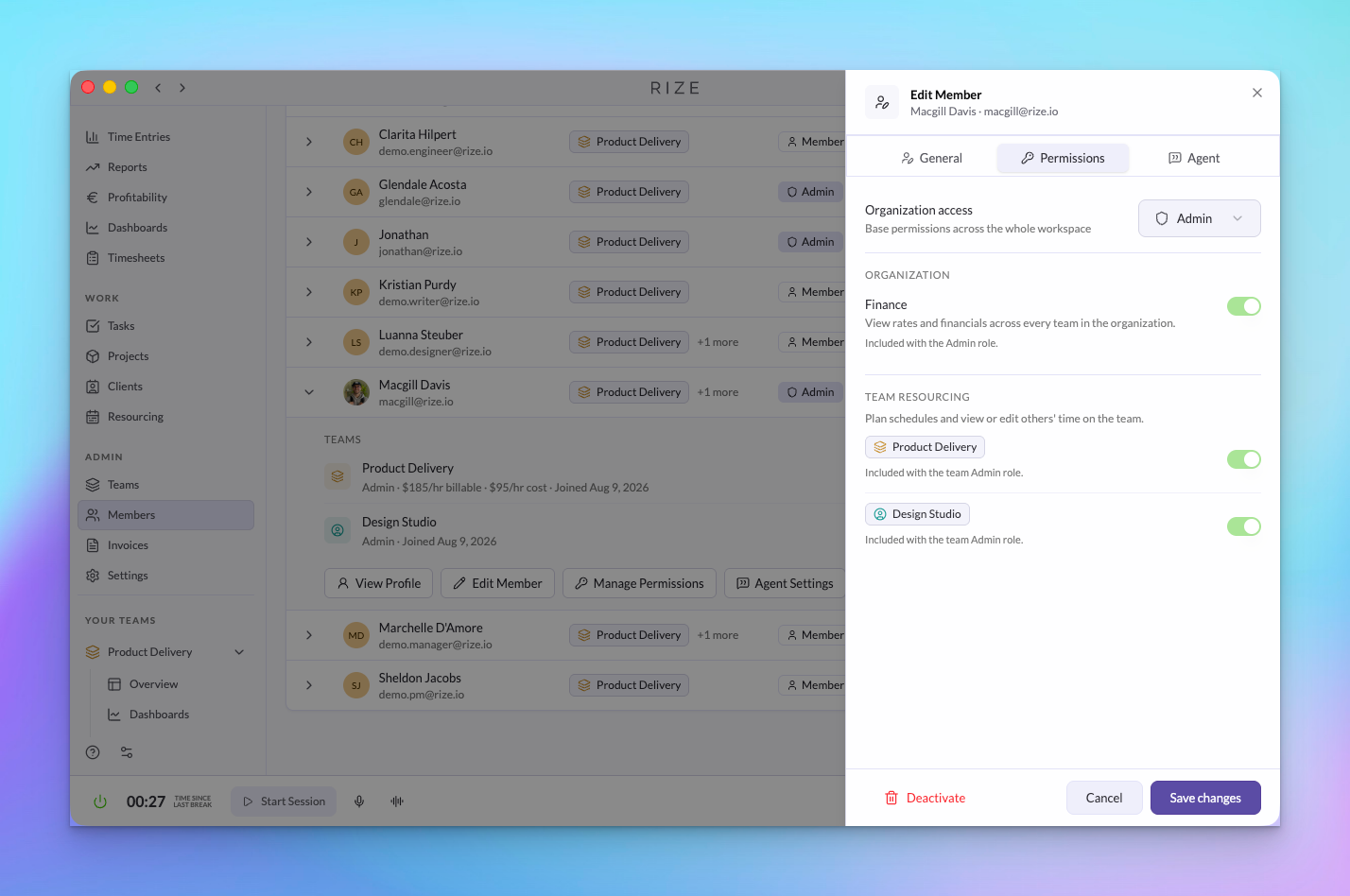
Teams, Members, and Permissions
Organization roles, four team roles, and Finance and Resourcing grants give each person exactly the access their job needs, managed from one organization Members page.
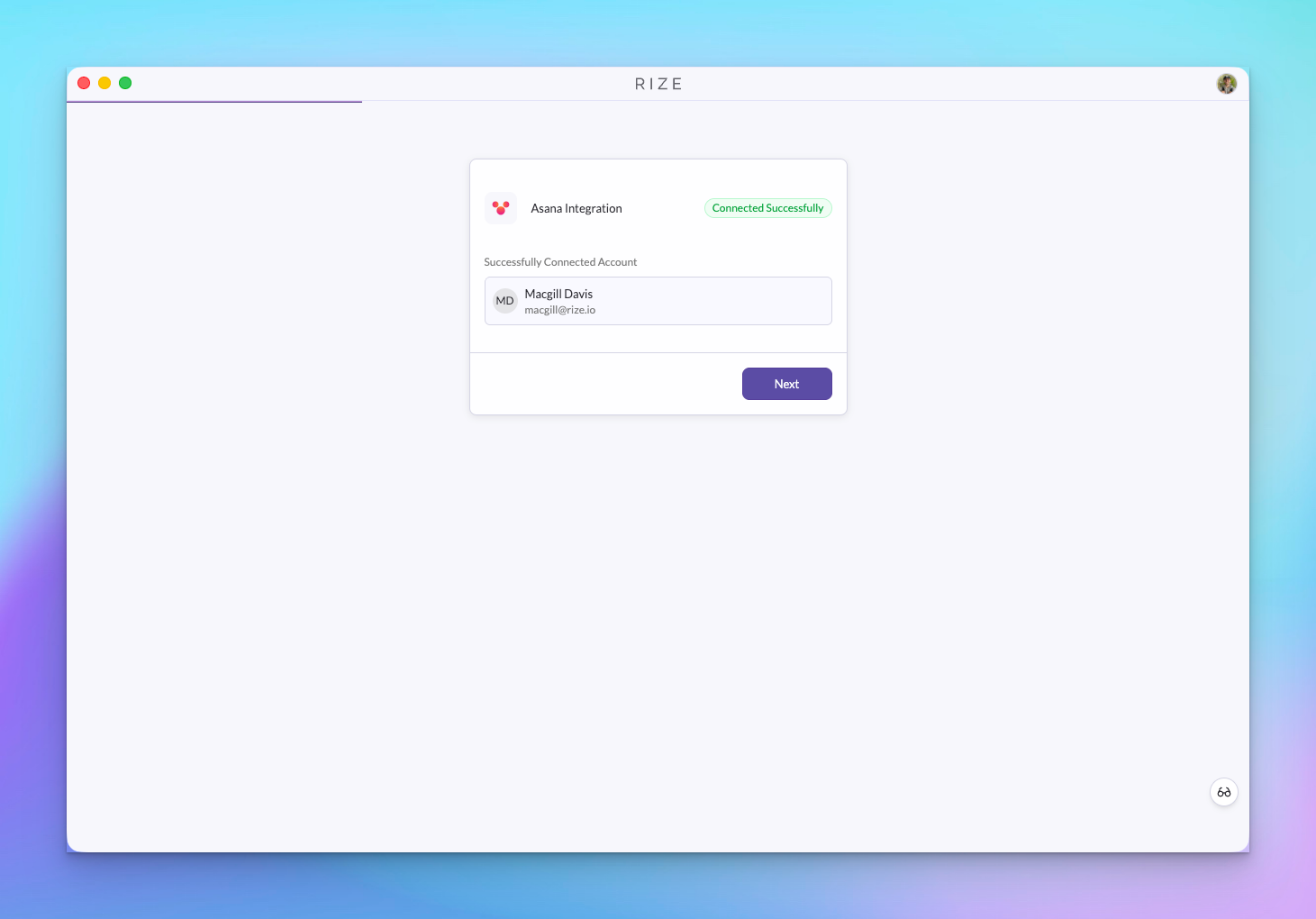
Asana Integration with Time Tracking
The Asana integration is out of beta. Asana tasks sync into Rize, and time tracked in Rize is written to the matching Asana task automatically.
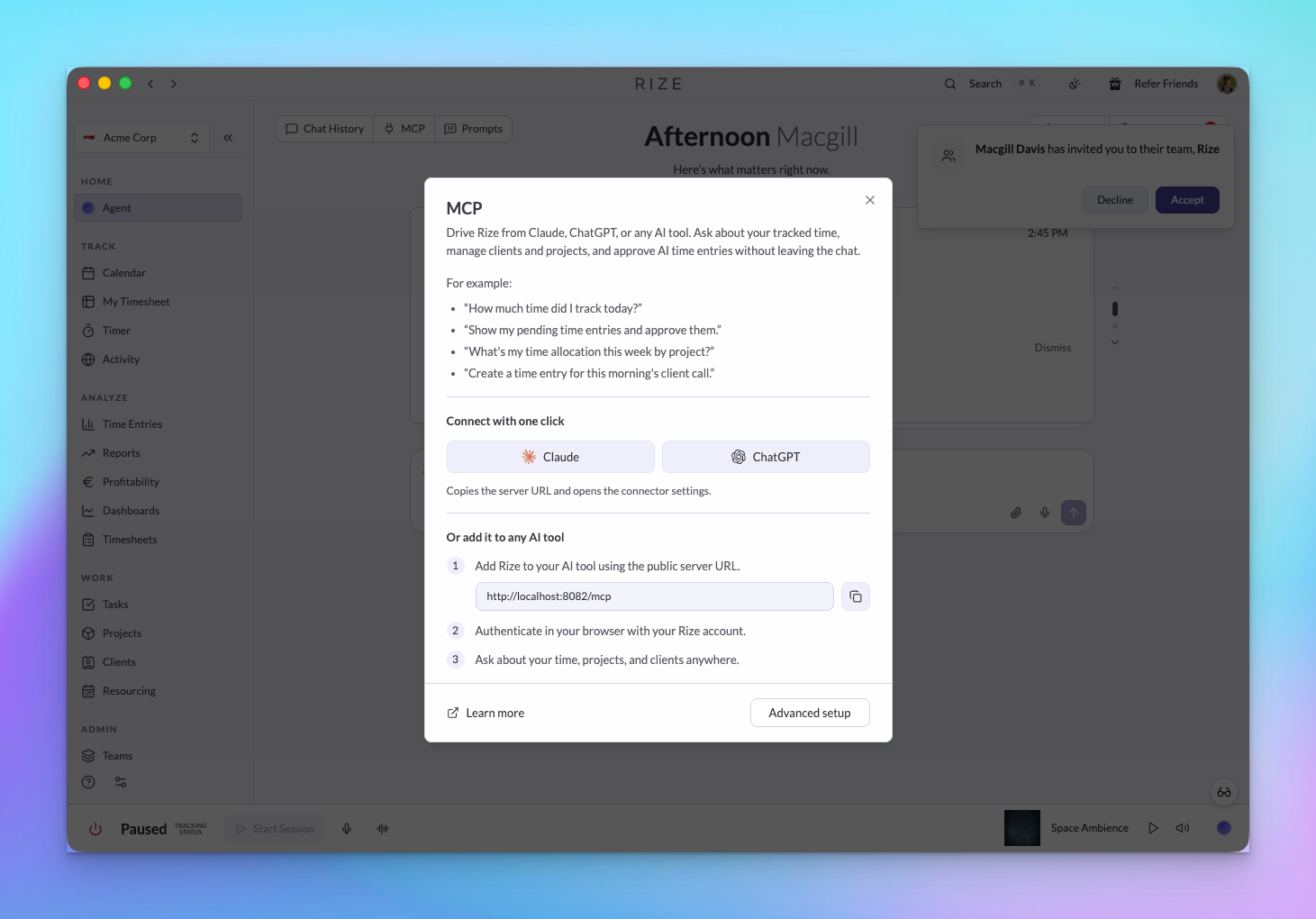
API and MCP: Profitability, Resourcing, Teams, and Approvals
Profitability, contracts, expenses, planned allocations, teams, members, and time approvals are available through the Rize API and MCP, with the same permissions as the app.
SOC 2
We've started our SOC 2 process with security-consultant.com. What we already do to protect your data is on our security page, and we'll share progress as the audit moves along.
August Update: Introducing the Rize Agent Toolset
The Rize Agent toolset helps freelancers, agencies, and organizations put time reviews, reports, routines, tagging, and agent workflows on autopilot.
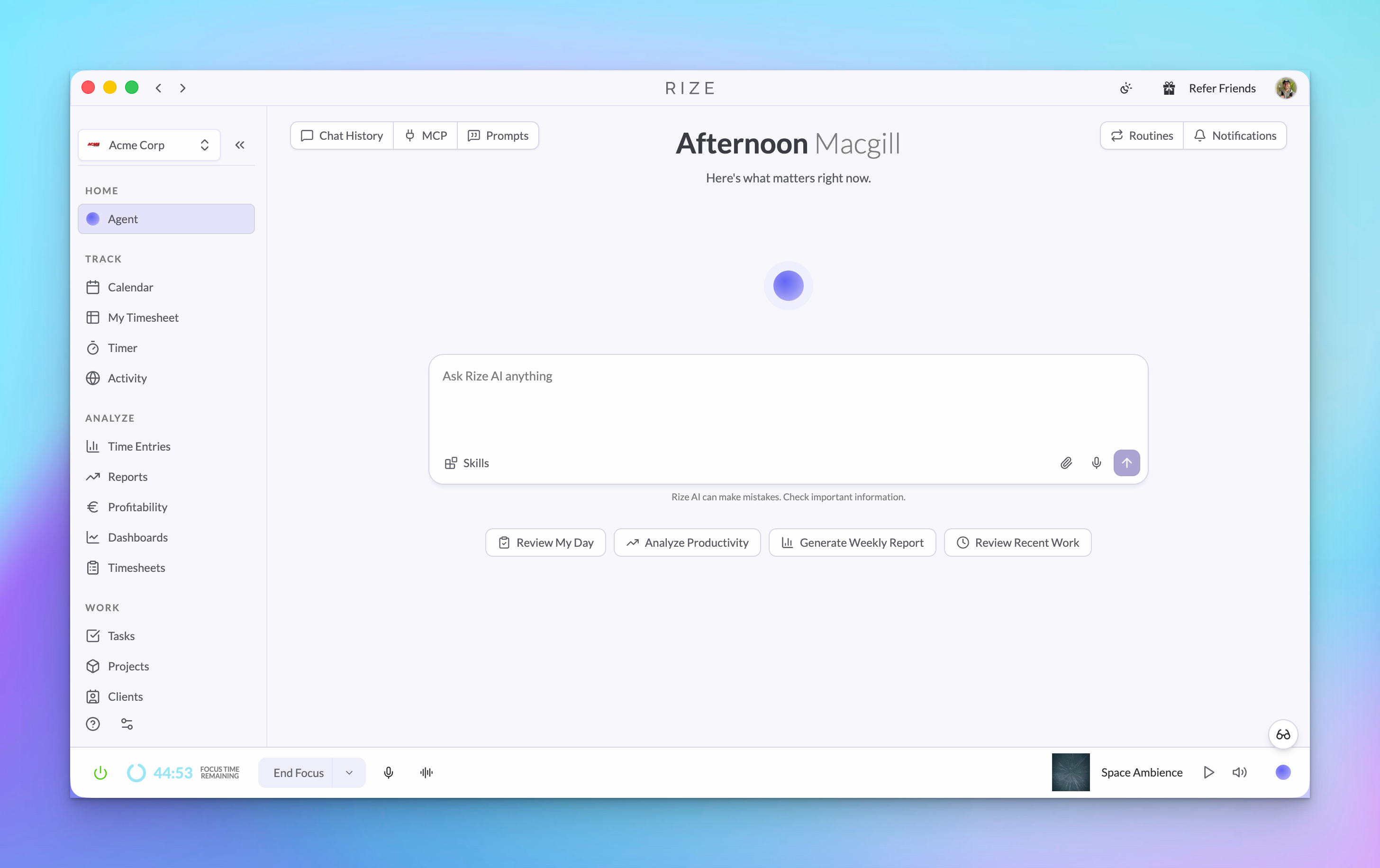
New Chat and Agent
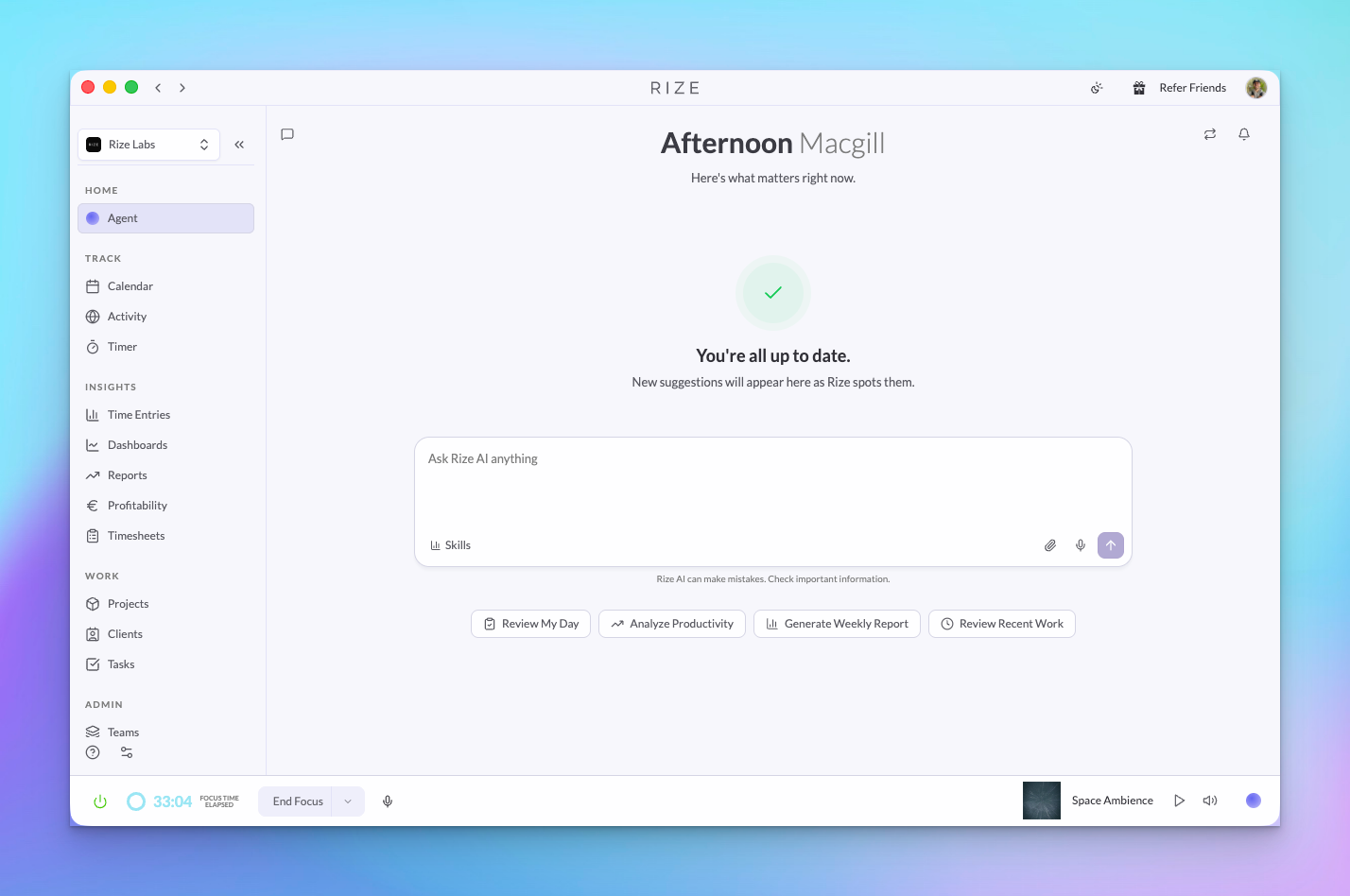
The new Agent tab lets you chat with your Rize data, generate rich analysis, and take follow-up actions from one live conversation.
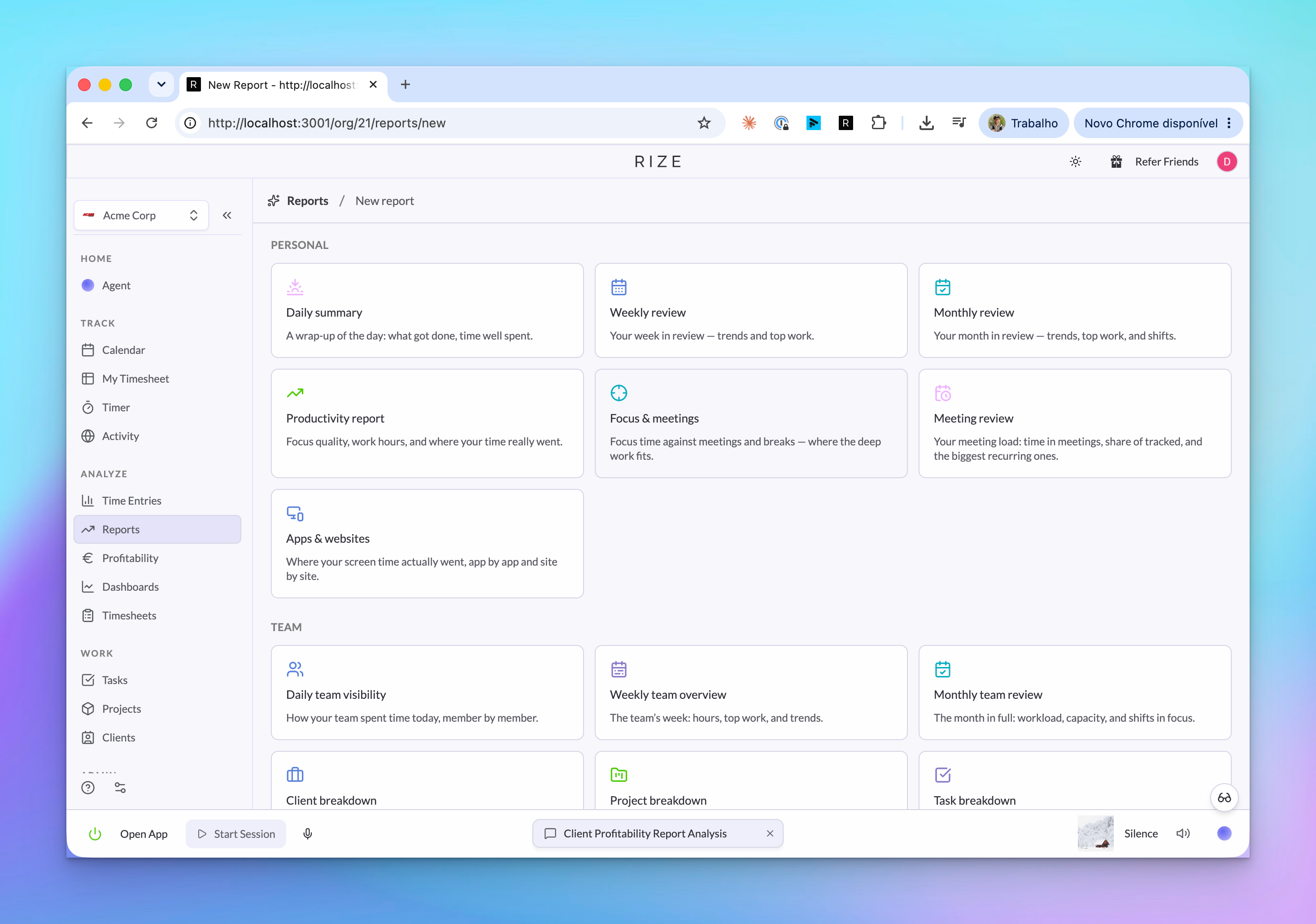
AI Reports
AI Reports turn prompts, templates, and shared Skills into reusable scheduled analysis for client profitability, team overviews, and custom reporting workflows.
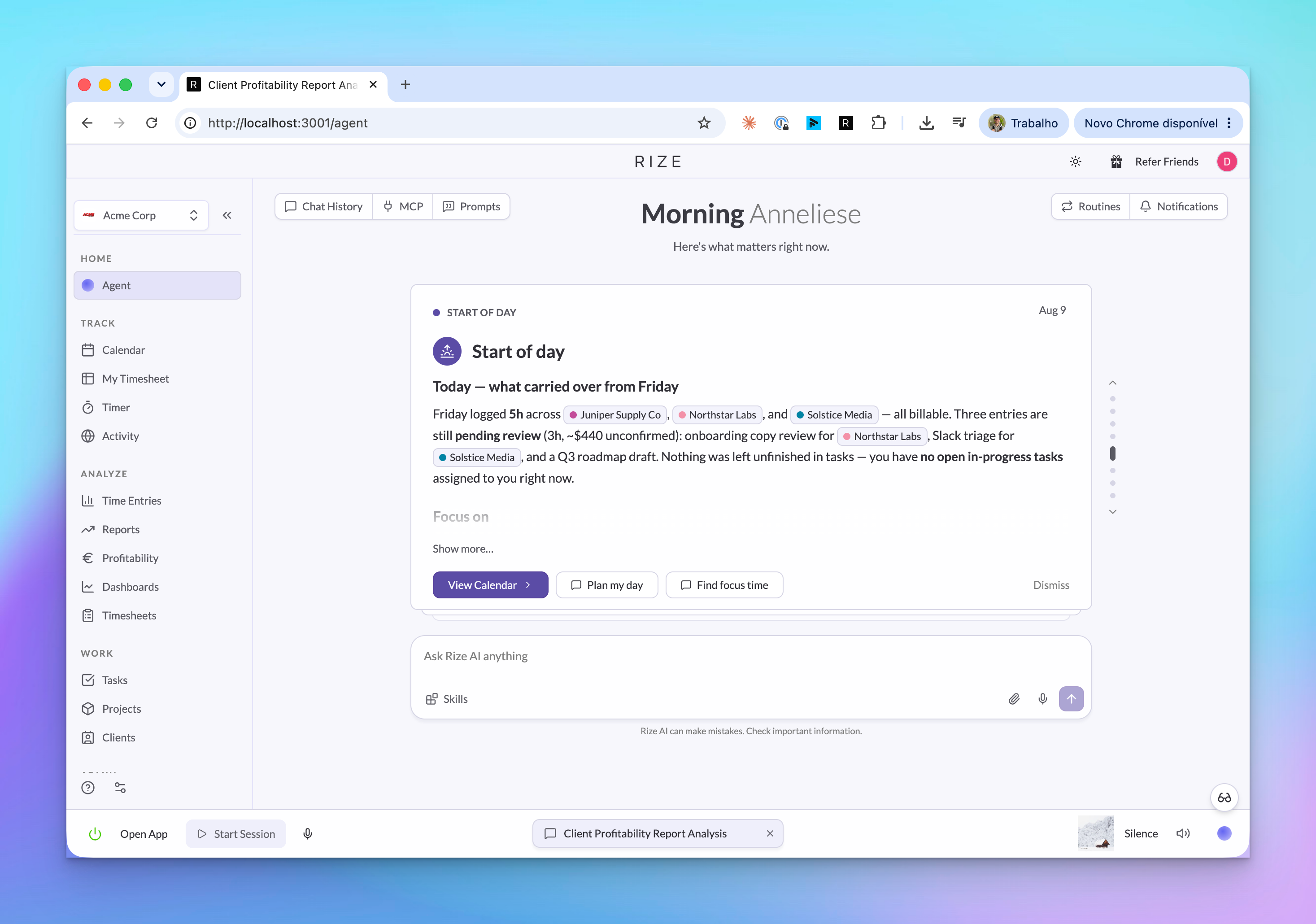
Routines
Routines let the Rize Agent run scheduled prompts, create briefs, send notifications, and open follow-up actions from the right context.
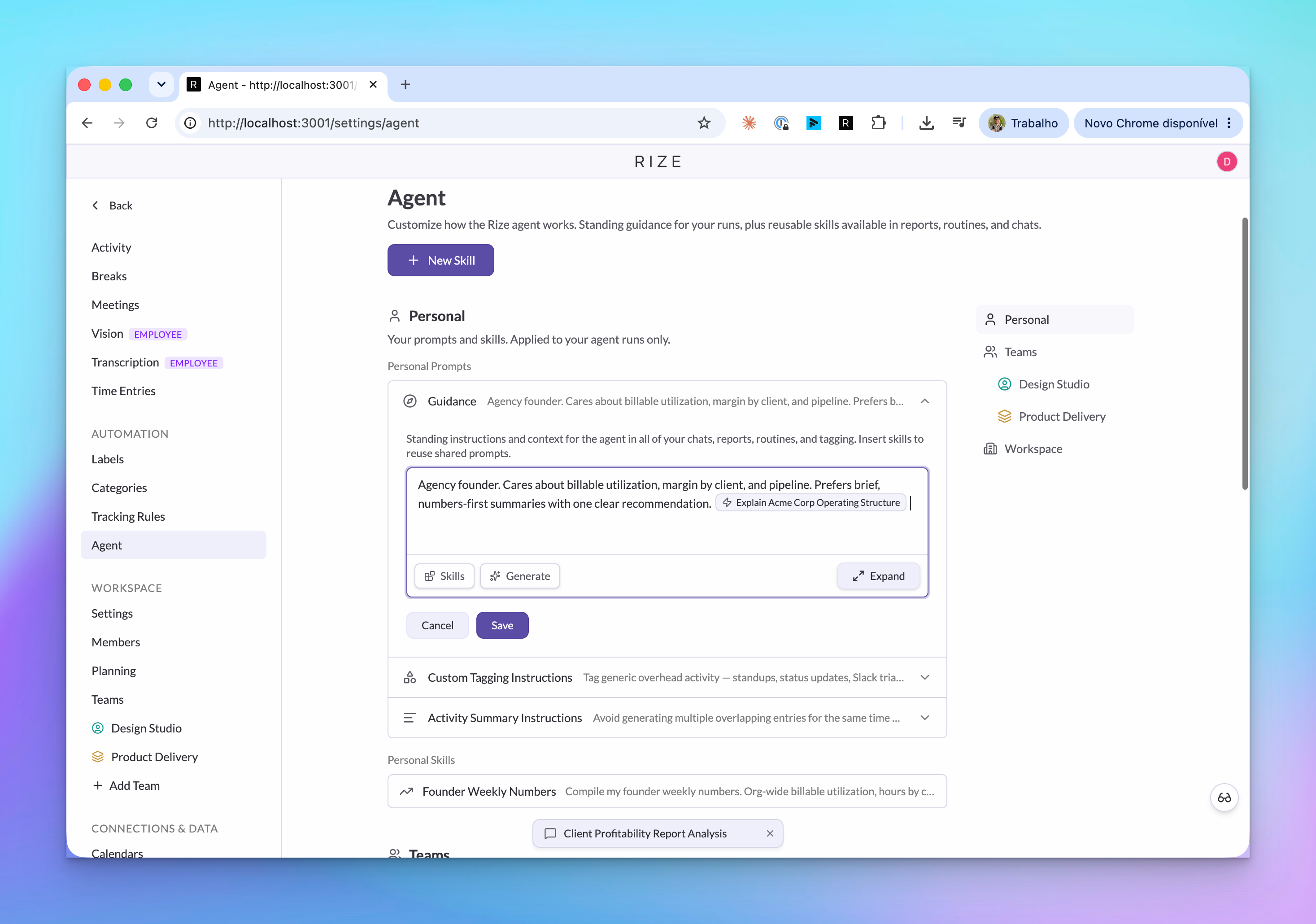
Agent Context and Custom Tagging Instructions
Agent Context and custom tagging instructions let you teach Rize how you work, how your team tags clients, projects, and tasks, and how summaries should be written.
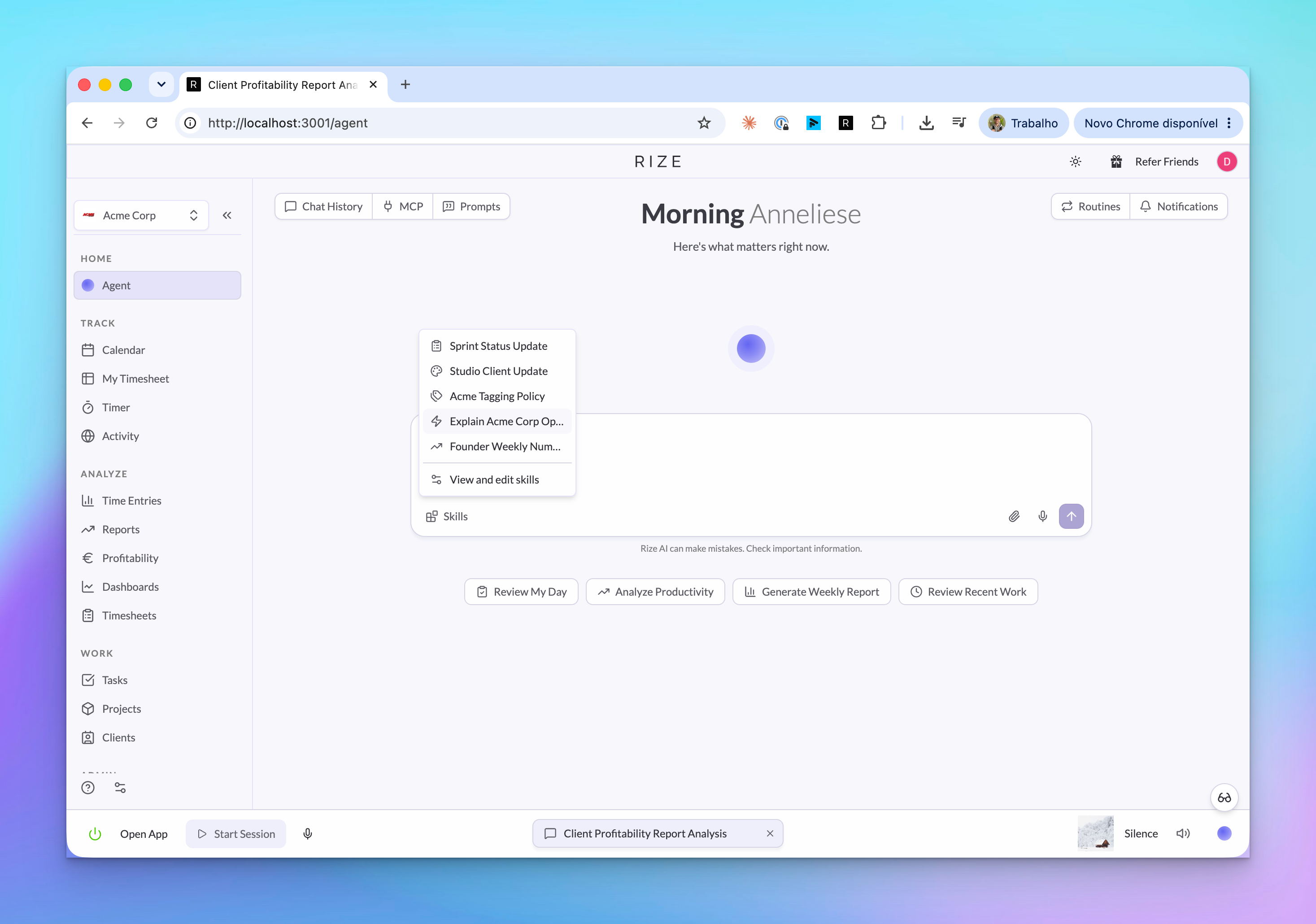
Shared AI Skills
Shared AI Skills are reusable saved prompts that can be personal, team-wide, or workspace-wide across chat, Routines, and AI Reports.
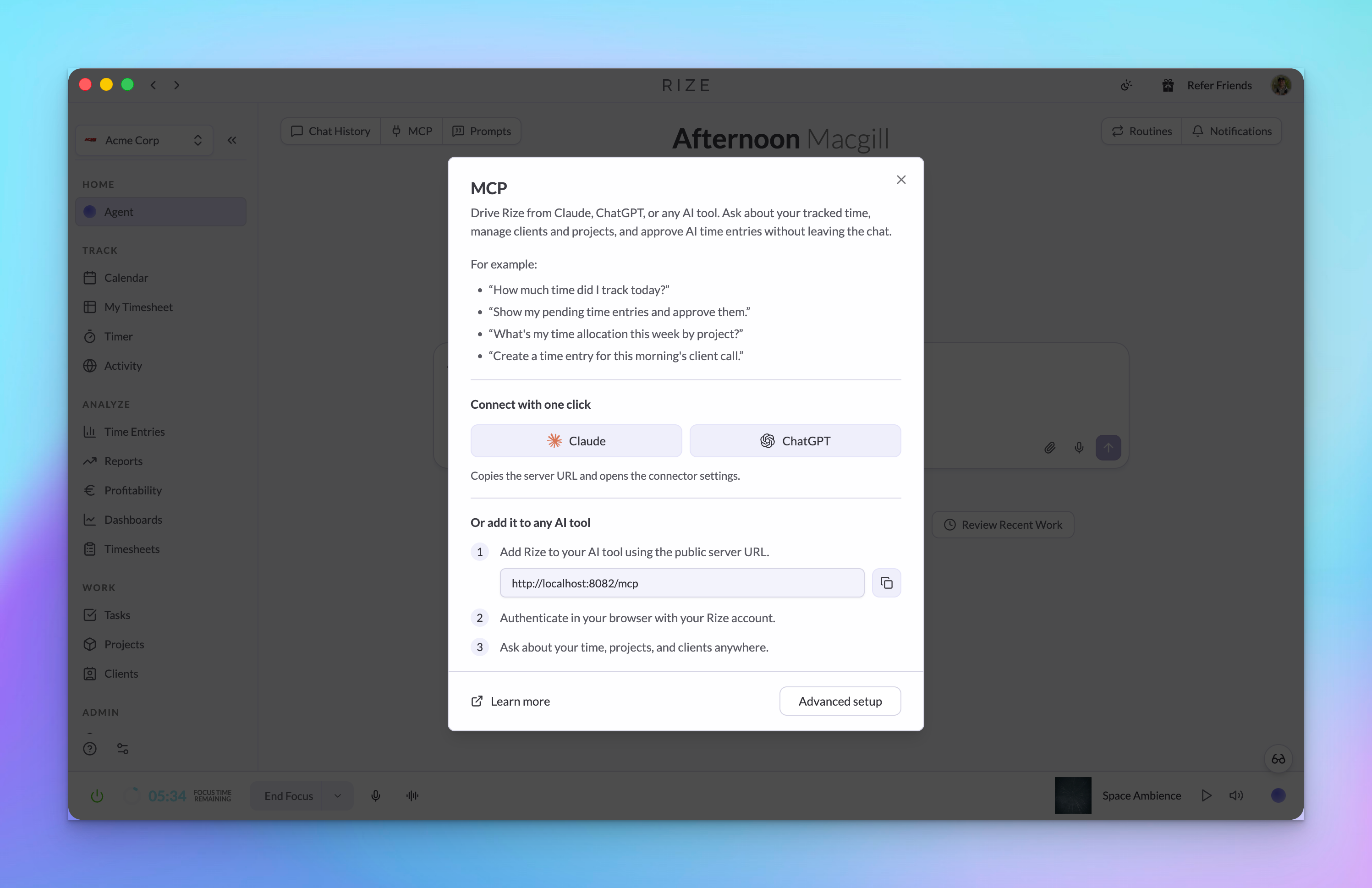
API/MCP Improvements
Rize API and MCP now expose more of the agent layer, including report runs, routine runs, Skills, agent context, sign-up, and login URL support.
Rize v3.0.45 Improvements and Small Fixes
Rize v3.0.45 adds My Timesheet and Team Timesheets, click-and-drag time entry editing, and small fixes for Windows sign-in, OAuth, Routine Slack formatting, and ClickUp retries.
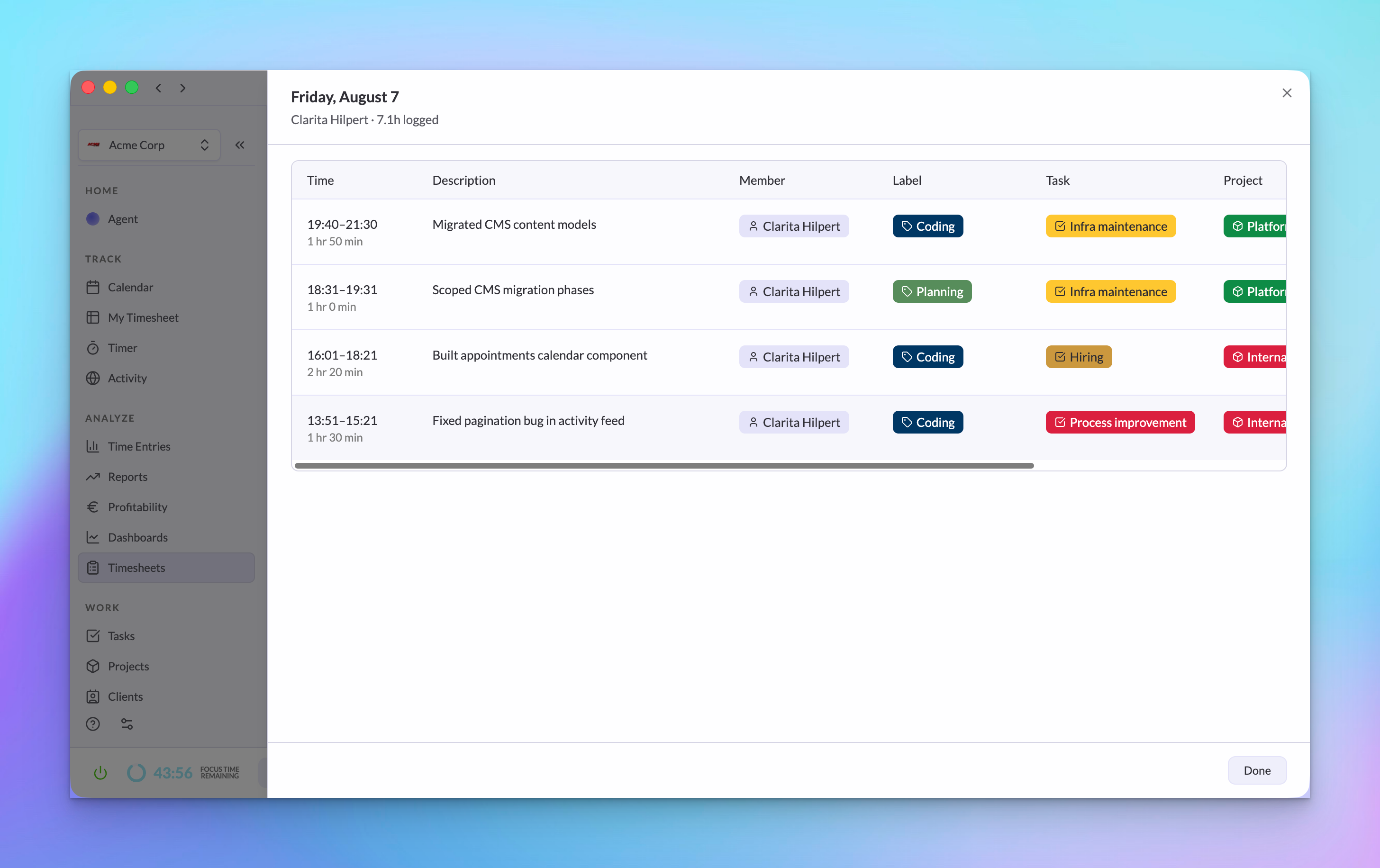
My Timesheet and Team Timesheets
Review your own time faster in My Timesheet, then use Team Timesheets to scan daily hours, pending time, capacity, filters, and totals across a team.
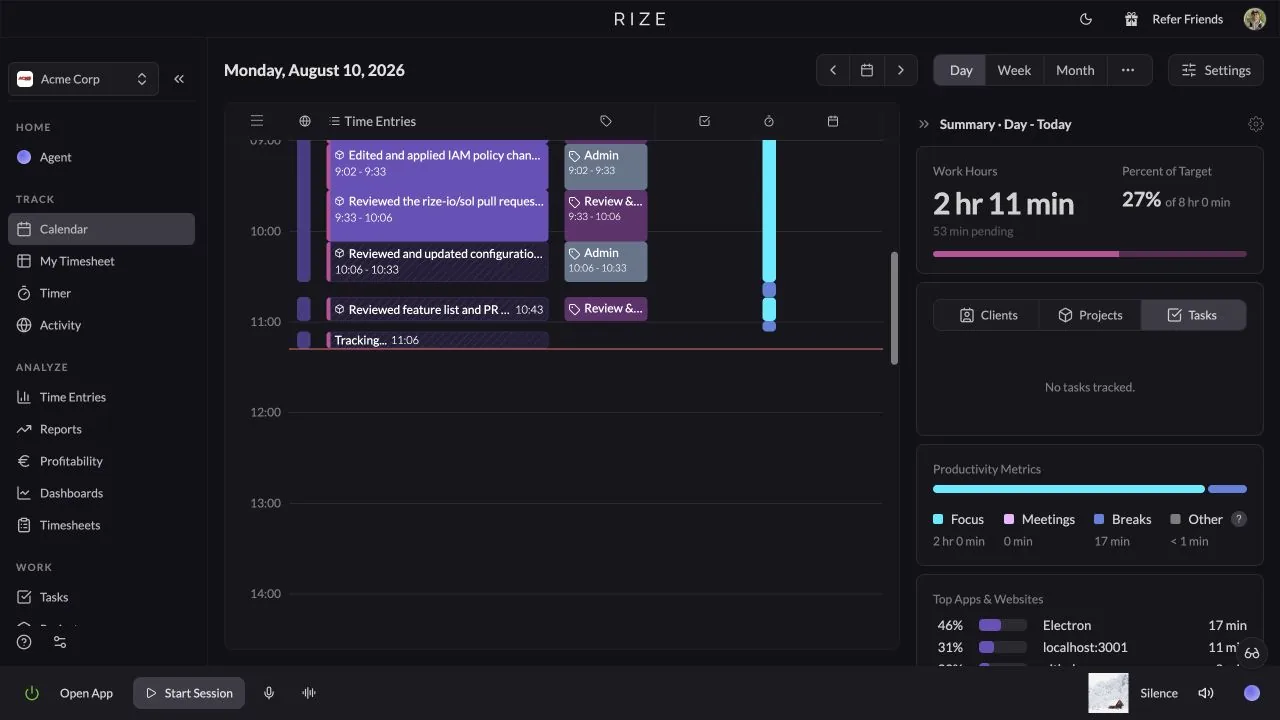
Click and Drag Time Entries
Move and resize time entries directly on the timeline by dragging the entry body or its start and end edges.
Rize v3.0.26 Update
Rize v3.0.26 makes auto-updates reliable, recovers automatically from black screens and frozen dashboards, syncs your settings across computers, and hardens sign-in security.
Rize v3.0.15 Update
Rize v3.0.15 cuts CPU usage dramatically on Windows and macOS, fixes the Windows black screen issue and widget timers, and shrinks the app size.